Aligning event wristbands with your existing technology
Introducing technology into your access management process changes an event wristband from a simple visual identifier into a critical piece of digital infrastructure. Before you approach a wristband supplier for a quote, you must ensure that your physical wristbands will communicate seamlessly with your existing software and scanning hardware. This requires gathering specific technical details from all your technology vendors, including ticketing platforms and access control providers. Aligning these specifications early prevents the costly mistake of ordering event wristbands that your gates cannot read.
Gathering technical requirements from your ticketing providers
Before you select any physical event wristbands, you must extract essential technical data from your current software and hardware vendors. This structured approach clarifies exactly what constraints your physical wristbands and embedded identifiers must meet in the field. Asking your providers the right questions ensures that your procurement team understands the exact data encryption, communication protocols, and physical durability ratings required.
Ticketing system compatibility
Your ticketing system requires specific standards for wireless communication and software connectivity to verify valid tickets at the turnstile instantly. You need to ask your ticketing vendor about their Application Programming Interface (API) requirements and whether they use real-time synchronization or offline hybrid caching. The access control middleware relies on a Unique Identifier (UID) hardcoded into the event wristband, which the API maps directly to the attendee record. Confirming these details guarantees that a scanned wristband instantly deactivates across all gates to block duplicate entries.
Cashless vendor requirements
Cashless payment vendors define strict hardware requirements centered around specific radio frequency standards and chip memory architectures. You must determine if your event uses a closed-loop system where financial balances live on a local server, or if the system requires multi-sector data storage directly on the wristband chip. Vendors typically specify exact embedded integrated circuits to link the physical event wristband to the cloud ledger securely. They also dictate physical durability ratings, mandating materials like waterproof silicone or sealed woven fabric to protect the chip during multi-day events.
Hardware reading environments
The physical environment where you scan event wristbands heavily influences how well your access control hardware performs. You must ask your vendors how their scanners handle environmental factors like direct sunlight, which can blind optical scanners, or extreme humidity that causes condensation on scanner lenses. Large crowds also introduce liquid interference because human bodies absorb radio waves, potentially causing missed scans at dense entrance gates. Additionally, you should identify any potential sources of electromagnetic interference, such as heavy-duty power generators, that could disrupt data transmission between the scanners and your local controllers.
Selecting compatible chips for cashless and access systems
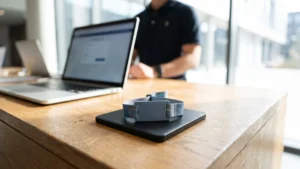
Matching embedded chips to your hardware requires understanding the strict distinction between Radio Frequency Identification (RFID) and Near Field Communication (NFC). NFC chips operate exclusively at a High Frequency (HF) of 13.56 megahertz and are designed specifically for close-range interactions like secure tap-to-pay purchases. In contrast, general RFID covers a broader spectrum, including Ultra-High Frequency (UHF) chips that allow broad, simultaneous multi-tag scanning in motion. You must choose the exact frequency and communication mode that your on-site point-of-sale terminals and turnstile readers are programmed to accept.
Beyond the operating frequency, you must also select an event wristband chip with the correct memory capacity and encryption standards. Basic access control often requires only a small amount of read-only memory to store a simple serial number. However, if your system handles transit ticketing, offline risk management, or complex cryptographic keys, the chip requires substantial random access memory for runtime processing. Selecting a chip with the appropriate data storage model and security strength prevents costly procurement mistakes and ensures secure data handling.
Formatting printed codes for reliable hardware scanning
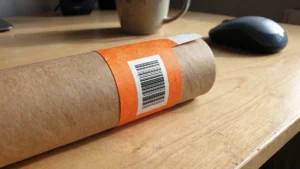
When relying on printed Quick Response (QR) codes and barcodes, the physical curvature of the event wristband can severely distort the grid pattern. Wrapping a flat code around a small cylindrical wrist causes the outer edges to bend away from the scanner lens, creating optical distortion and focus issues. To counter this, you should keep the printed code as flat as possible, use a high error correction level, and limit the encoded data to a simple text string. The recommended minimum dimension for a standard QR code on a narrow wristband is 1.5 to 2 centimeters to maintain reliable scanning.
The surface finish of the physical wristband material also dictates how effectively optical scanners can read the printed identifiers. Glossy materials like shiny vinyl or coated plastics reflect light directly into the scanner lens, which creates glare and blinds traditional laser scanners. Choosing a matte finish diffuses the light cleanly, providing the high contrast ratio required for reliable barcode scanning on non-paper materials. If you must use glossy event wristbands, you should equip your staff with two-dimensional area imagers rather than standard laser scanners to capture the codes accurately.
Running physical tests with your scanners and software
Before you commit to a full production run of thousands of event wristbands, you must verify the supplier specifications against your actual hardware. Setting up a controlled physical test catches unreadable formats, incompatible chips, and material failures early in the procurement cycle. This structured testing process builds operational confidence and protects your budget from large-scale technical errors. Follow these concrete steps to validate your wristbands within your real-world technology ecosystem.
- Acquire physical samples: Request exact material and technology samples from your wristband supplier before placing a final order. Ensure these samples feature the specific closure mechanisms, embedded chips, and printed codes you intend to use at the event. Testing the final configuration is the only way to guarantee that the physical wristband functions correctly alongside your digital system.
- Test environmental conditions: Expose the sample event wristbands to the actual physical conditions they will face during your event. This includes testing them under direct sunlight to check for glare on printed codes and exposing them to moisture to verify material durability. Simulating these real-world pressures reveals potential scanning bottlenecks caused by environmental interference before your guests arrive.
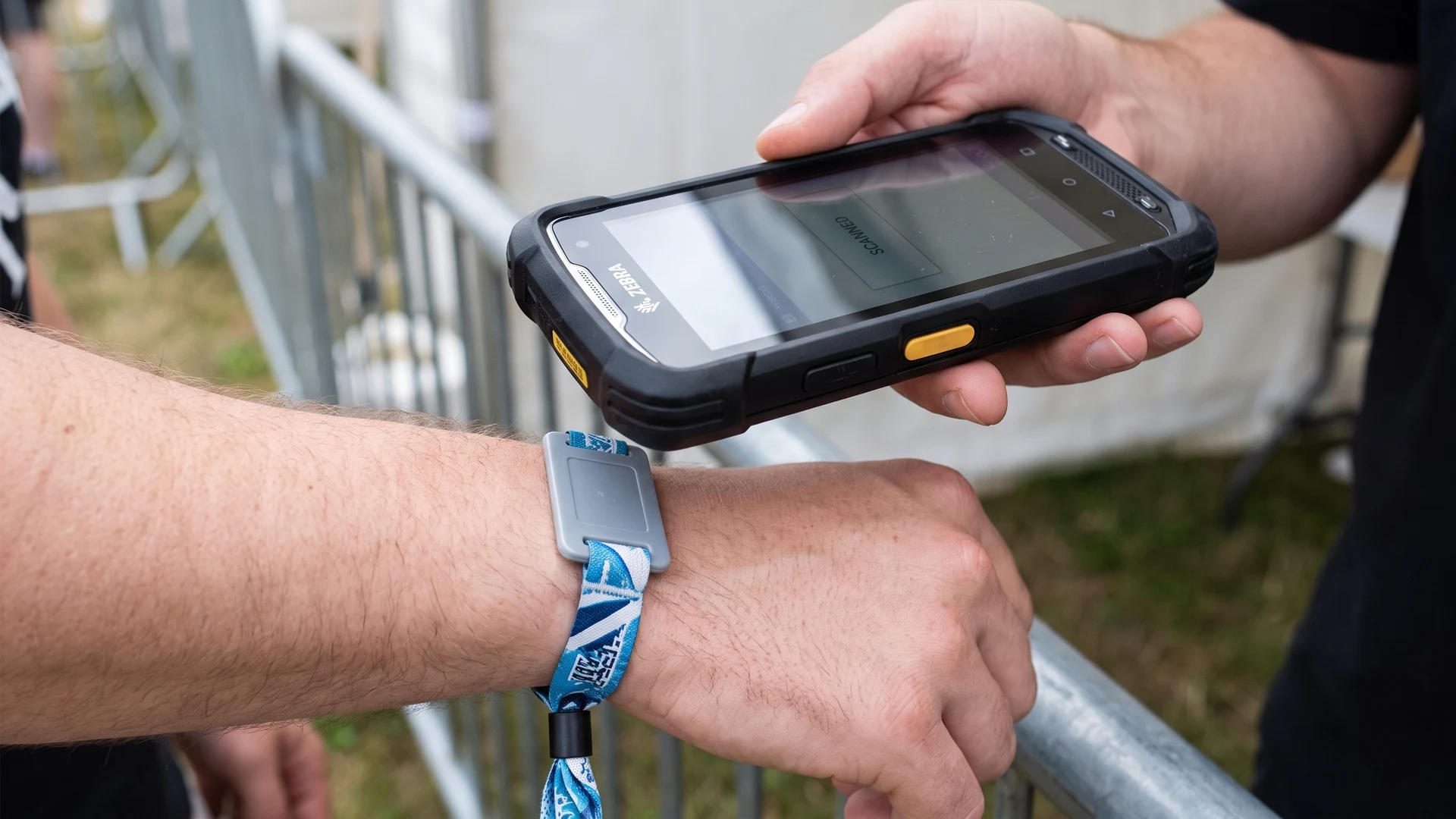
- Scan with live hardware: Connect your event scanners and handheld readers to your active ticketing or cashless software environment. Process the sample wristbands through the system as if a guest were arriving at a gate or making a purchase. This step confirms that the data syncs correctly and that the scanners can read the identifiers quickly without causing delays.
Finalising specifications and preparing event staff
Once your technical tests are successful, you can confidently finalise your event wristband specifications and move into the production phase. When ordering, always include a contingency stock to account for walk-up sales, damaged materials, and instances where staff apply the wristbands incorrectly. Finally, you must brief your front-line team on exactly what to do when a scanner fails to read a wristband at the gates. Giving your staff a clear troubleshooting process ensures a smooth operational transition and keeps guest queues moving effectively.
How do I confirm an event wristband chip will work with my systems?
Align radio frequency, protocol, and reader support with your ticketing and cashless vendors. Many access and payment setups use High Frequency HF at 13.56 MHz via Near Field Communication NFC. Confirm a unique identifier UID, memory needs, and encryption, then run sample scans on your gates.
What print specifications should I give for QR codes on event wristbands?
Specify Quick Response QR codes at 1.5 to 2 cm per side with 0.8 mm modules. Include a quiet zone about four modules wide and use high error correction. Print at 300 dots per inch DPI on a matte surface and target 50 to 80 percent contrast.
What should our API requirements include for scanners and ticketing?
Publish an Application Programming Interface API spec for scanners and ticketing. Require real-time updates, offline caching, and mapping of each unique identifier UID to the attendee record. List accepted credentials and targets, including barcodes, Quick Response QR, and Radio Frequency Identification RFID.
When should I choose NFC wristbands instead of UHF tags?
Choose Near Field Communication NFC event wristbands for controlled tap access and cashless payment. Reads are about 1 to 10 centimeters, which limits stray scans. Use Ultra High Frequency UHF tags for long range tracking or bulk gate movement, and plan for body proximity to reduce performance.
How should we test event wristband compatibility with all vendors before production?
Run a joint compatibility test before production. Request samples and loan readers from each vendor. Test indoors and outdoors for glare, moisture, crowding, and network drops with offline caches. Confirm closures, scan speed, durability, and data flows, then sign off a shared specification.