Combining digital ticket scanning with visual event wristband checks
Digital ticketing software efficiently validates a guest upon their first arrival at your venue. However, a digital scan only confirms access at that specific moment and does not remain visible as the guest moves through the crowd. You need a practical way to translate that temporary digital approval into a continuous physical credential. This transition ensures your team can manage the attendee long after they step away from the main scanning gate.
Event Wristband Info guides organisers through creating a reliable bridge between ticketing systems and physical access control. A well-planned handover reduces confusion at the entrance and gives temporary staff a clear process to follow. When you pair digital records with physical event wristbands, you give your security team the tools they need to monitor crowds with confidence.
Why your event needs both digital records and physical identification
Integrating digital software and physical identifiers gives you a complete toolset for managing crowd movement. A scannable ticket performs a specific validation job at the perimeter, while a wearable event wristband takes over the continuous access duties. Understanding these distinct operational roles helps you justify the investment in physical identification as a necessary backup to your digital system.
Validating the initial entry point
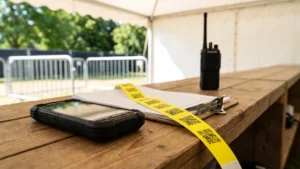
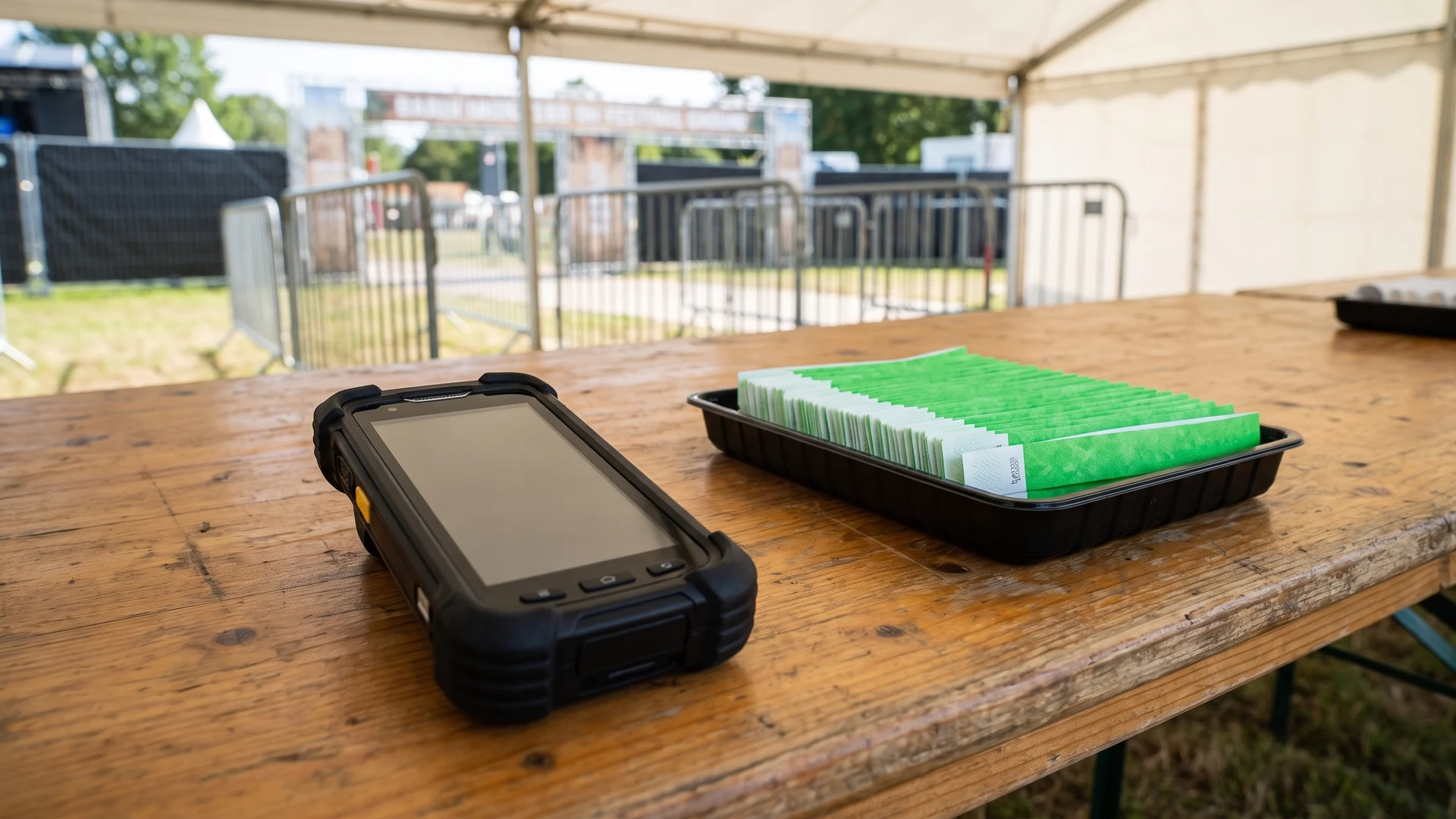
The initial entry point serves as the primary barrier where staff verify the authenticity of a digital ticket. Scanning a barcode on a smartphone prevents duplicate entries and ensures the guest holds a legitimate registration. Once the scanner confirms the ticket is valid, staff issue an event wristband to mark the completion of this entry check. This step officially moves the guest from the digital system into the physical event space.
Managing internal access zones securely
Large events often feature multiple restricted areas, such as Very Important Person (VIP) lounges, backstage zones, and age-restricted bars. Requiring attendees to present their smartphones for a digital scan at every internal checkpoint creates bottlenecks and frustrates guests. Physical event wristbands solve this problem by providing an immediate visual cue for your security personnel. Staff can quickly inspect the material and colour of the wristband to grant or deny access without slowing down the flow of foot traffic.
Speeding up visual checks for staff
Event staff and volunteers need simple identification methods to maintain security during busy periods. A clear visual system allows them to assess a guest from a distance rather than stopping them to scan a screen. When you issue distinct event wristbands for different access tiers, you eliminate the need for constant digital verification. This approach keeps queues short and allows your team to focus on monitoring crowd safety.
Building a sequential entrance workflow for guests
A structured entrance process prevents guests from bypassing the wristband station and ensures every attendee receives the correct access permissions. You can train your gate staff to follow a clear sequence that eliminates access mistakes. This consistency protects your event from unauthorised entry right from the start.
- Scan the digital ticket: Staff use a handheld device to scan the barcode on the guest’s smartphone, confirming the ticket is valid and has not been used previously.
- Verify secondary identification: If the ticket involves age verification or a specific guest list, staff check the attendee’s physical identification document before proceeding.
- Select the correct wristband: The team member retrieves the specific event wristband that corresponds to the scanned ticket tier, such as general admission or VIP access.
- Secure the wristband to the guest: Staff personally apply the event wristband to the attendee’s arm, ensuring the closure mechanism is fastened correctly so the band cannot be slipped off.
Transitioning to visual checks inside the venue
Once guests clear the main entrance gate, the burden of access control shifts entirely to visual inspections. Security guards and food and beverage managers rely on event wristbands to make split-second decisions in dimly lit or crowded environments. A brightly coloured physical identifier allows staff to confirm permissions at a glance, which proves essential when managing fast-moving queues at bars or restricted viewing platforms.
Maintaining security inside the venue requires consistency from your entire team. Staff must actively look for the correct event wristband colour, material, and secure closure rather than assuming anyone inside the perimeter has valid access. This continuous visual reinforcement protects your event revenue and ensures that guests only enter the areas they are authorised to use.
Selecting event wristband materials for hybrid access systems
The physical environment of your event determines which wristband material will survive the duration of the gathering. You must select an event wristband that pairs correctly with your operational timeline to ensure the visual backup system remains completely intact. Reviewing the unique properties of different materials allows you to match the right product to your specific security needs.
Tyvek wristbands for single day operations
Tyvek wristbands provide a practical solution for short operations because they consist of high-density polyethylene, a tough synthetic fibre that resists tearing and stretching. They feature a one-time adhesive closure with die-cut security slits that shred visibly if a guest attempts to peel the band apart. This tamper-evident design prevents attendees from sharing their admission credentials. Their lightweight construction and water resistance make them an excellent low-cost option for single day events.
Fabric wristbands for multiple day durability
Events spanning several days require a more robust physical identifier that can withstand prolonged exposure to water, sweat, and friction. Fabric wristbands use strong synthetic fibres, such as woven or satin polyester, to maintain their integrity throughout a long festival. They secure to the wrist using a one-way locking clasp, often a plastic barrel with internal teeth that grips the fabric tightly. This closure allows staff to tighten the band safely while preventing the guest from sliding it loose or transferring it to someone else.
Plastic wristbands for high security areas
Managing highly restricted zones demands materials that offer enhanced tamper resistance and visual authority. Plastic wristbands utilise heavy-duty, multi-layer synthetic materials that do not degrade in harsh outdoor conditions. They feature a single-use locking snap closure that guests must permanently cut or destroy to remove, which stops intact transfers. You can also incorporate sequential numbering or custom foil stamping onto the plastic surface, giving your security team additional verification methods beyond just colour coding.
Closing security gaps during the ticket exchange process
A poorly managed ticket exchange creates opportunities for guests to pass tickets backward or steal unused wristbands. You can safeguard your event access by implementing strict operational controls at the main gate. Establishing these physical boundaries ensures your digital scanning efforts are not wasted.
- Control the wristband inventory: Keep all unissued event wristbands secured in a locked box or behind the counter, out of reach from attendees waiting in the queue.
- Apply the band directly: Require your staff to place the wristband directly onto the guest’s arm rather than handing the band over loose, which prevents attendees from passing unfastened bands to friends outside.
- Check the closure tension: Instruct gate personnel to leave only enough space for one finger between the wristband and the skin, ensuring the band cannot slip over the guest’s hand.
- Deactivate the digital record: Ensure your scanning software immediately registers the digital ticket as claimed so the same barcode cannot be presented a second time.
Adding Quick Response codes directly to event wristbands
Printing Quick Response (QR) codes directly onto your event wristbands merges digital tracking with physical identification in a single wearable item. A QR code is a two-dimensional (2D) barcode that stores digital information, such as ticket validity or cashless payment balances. Integrating this technology requires specialised variable data printing tailored to the specific material of the wristband. For example, the smooth surface of a Tyvek wristband accepts direct thermal ink easily, while a textured fabric wristband requires a smooth laminated tag or a flat woven patch to prevent the printed pixels from distorting.
Scanning these wearable codes successfully depends heavily on the hardware your staff use at the gates. Because an event wristband curves around the arm and can wrinkle, standard linear laser scanners will struggle to read the data. You must equip your team with handheld 2D imaging scanners or modern smartphones with autofocus cameras to capture the matrix pattern accurately. High-contrast printing, featuring dark ink on a light background, further improves the scanning speed for your staff in varied lighting conditions.
This integrated approach turns every physical wristband into a live data point that syncs with your central event management software. When staff scan the QR code at different internal checkpoints, organisers gain real-time visibility into crowd density and traffic flow. While this setup demands specific hardware and careful printing, it provides a powerful hybrid solution that validates guests digitally while retaining the immediate visual benefits of a physical wristband.
Creating a reliable system for staff and guests
Combining digital ticketing with physical event wristbands builds a comprehensive access ecosystem that protects your venue and streamlines the guest experience. Success depends entirely on clear communication and consistent procedures, from the first digital scan at the entrance to the final visual check at a restricted zone. When you equip your staff with the right materials and straightforward instructions, you create a secure environment that operates smoothly from start to finish.
Where in the entrance flow should tickets be scanned and wristbands applied?
Scan each ticket before you apply the event wristband. Validate and mark the ticket as used, then immediately fit a non-transferable event wristband such as Tyvek with one-time adhesive or vinyl with a single-use snap. Confirm the event wristband color and text match the ticket category, and record the pairing if needed.
How do we reduce passback risk between scanning and wristband checks?
Passback is when a valid ticket is used, then handed to another person. Reduce risk by issuing the event wristband at the same station that scans the ticket, controlling lanes, and marking tickets as used. Use tamper-evident closures that shred or must be cut, and run random rescans inside.
Should we print QR codes on event wristbands, and what improves scan speed?
Add a Quick Response (QR) code when you want to verify permissions at zones or capture attendance data. Improve scan speed with high contrast, right-sized codes, and a clear quiet zone, which is the blank border around the code. Use flat tags or matte panels to reduce glare.
What scanner setup works best for curved wristbands at busy gates?
Use a two dimensional (2D) imaging scanner, which takes a picture of the code, rather than a one dimensional (1D) laser that only reads stripes. Modern smartphones with autofocus also work well. Provide even lighting, let staff flatten the event wristband briefly, and choose wide, matte print areas for better reads.
How do we connect wristband checks to our ticketing data and handle offline or lost bands?
Pair each ticket record with a wristband serial number or Quick Response code at issuance. Store scans locally if the network drops, then sync when online. For lost event wristbands, deactivate the identifier, verify the guest, and issue a replacement while recording the new pairing and reason.