Why real time capacity monitoring matters for your event
Managing crowd flow requires more than just counting tickets at the main gate. You need a clear understanding of how many people occupy specific areas at any given moment to maintain safety and comfort. Event Wristband Info provides practical guidance on how real-time capacity monitoring supplies your team with live data about guest movements across different zones. This visibility helps you spot potential bottlenecks early and prevents restricted spaces from exceeding their safe limits.
Event wristbands serve as the physical foundation for this monitoring process. When every guest wears a visible identifier, your staff can quickly verify who belongs in a specific area before adding them to the zone count. Combining a clear wristband policy with active monitoring gives your team the objective information they need to pause entry or redirect crowds. This proactive management creates a smoother, safer experience for both your attendees and your operational staff.
Defining access zones and capacity limits
Before you issue any event wristbands, you must divide your venue into manageable operational areas. A clear zoning strategy ensures that your team knows exactly where to direct guests and when to restrict access. Mapping out these distinct spaces early in the planning process prevents confusion on the day of the event.
Mapping your event spaces
Start by identifying all the distinct areas within your venue that require separate access control. This might include general admission spaces, VIP lounges, production areas, or restricted backstage zones. Outline the physical boundaries of each space and locate the specific entry and exit points where staff will check event wristbands. Defining these checkpoints clearly gives your team fixed locations to count guests and enforce capacity rules.
Setting safe maximum capacities
Once you establish your zones, you must determine the absolute maximum number of people allowed in each area at one time. Consult local fire safety regulations and venue guidelines to calculate these limits based on square footage and available exits. Communicate these hard limits to the staff operating the entry checkpoints for each zone. When your team knows the exact capacity threshold, they can use their counting tools confidently to stop entry before a space becomes dangerously crowded.
Assigning distinct identifiers to each zone
You need to assign specific visual or scannable identifiers to each zone so staff can recognize access permissions instantly. While colour coding provides a quick visual reference for your team, it should not be your only method for communicating critical access information. Always include clear text, bold symbols, or numbered patterns on the event wristband to assist staff in low light or help guests with colour vision differences. A combination of distinct colours and clear printed text reduces access mistakes and speeds up the checkpoint process.
Choosing tracking technology for your event wristbands
The physical material of your event wristband is separate from the technology or method you use to track it. You must choose a counting tool that matches your required data accuracy, budget, and operational capacity. Understanding the limitations and advantages of each tracking method helps you build a more resilient access control system.
Manual counting with physical clickers
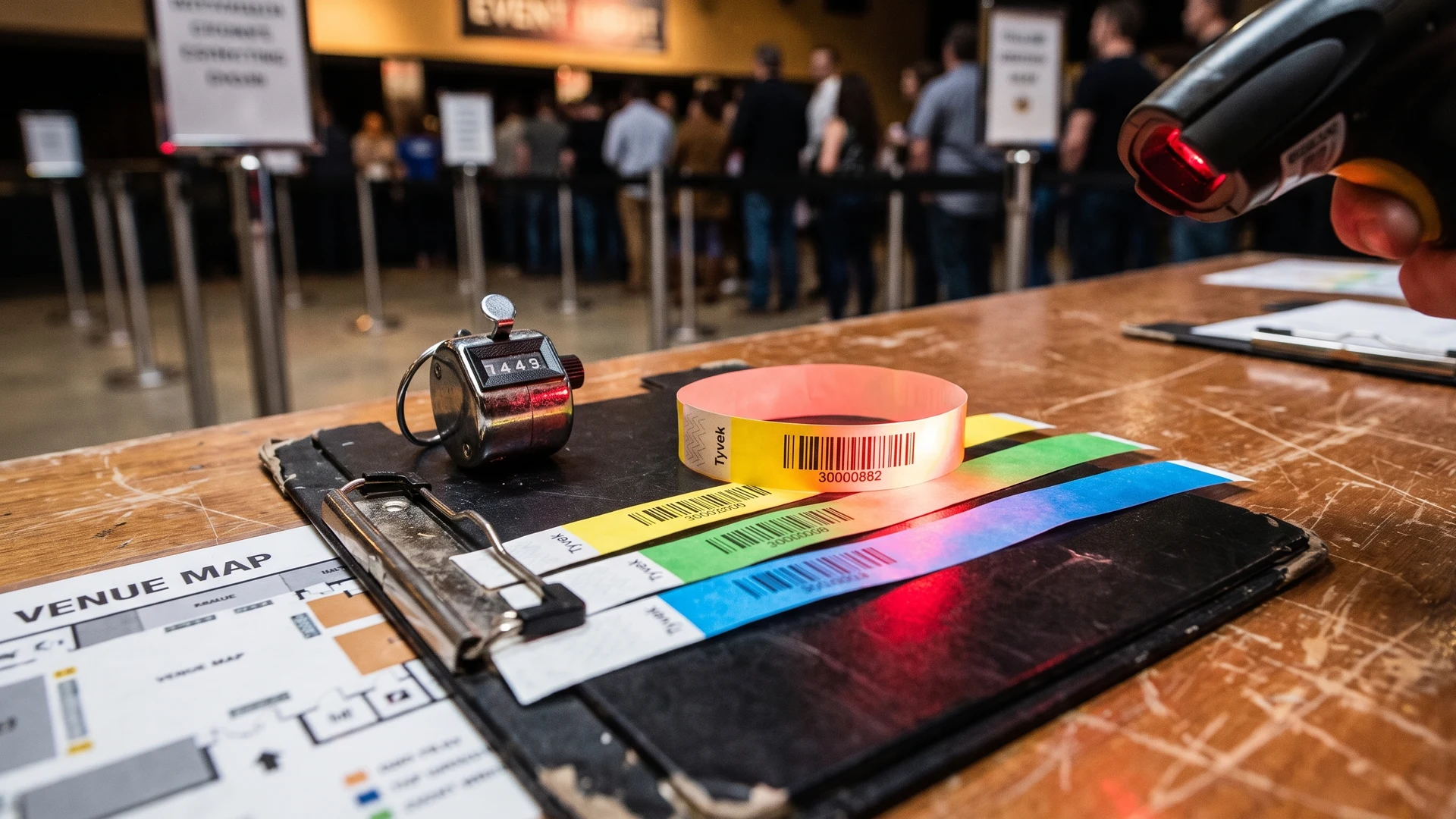
Equipping staff with physical tally clickers offers a simple, low-tech way to count guests as they show their event wristbands. However, manual counting generally yields an estimated seventy to ninety percent accuracy rate due to human error and distraction. Staff managing entrances easily miss counts during high-speed crowd surges or while answering guest questions. Single clickers only track cumulative entries, meaning you need separate synchronized devices for exits to calculate live occupancy accurately. Furthermore, venues with multiple unlinked entry points require manual reconciliation at the end of a shift, which delays your response to active capacity limits.
Scanning barcodes and Quick Response codes
You can print unique two-dimensional matrices, such as Quick Response (QR) codes, directly onto the physical wristband material for digital tracking. Staff use camera-based devices like smartphones or dedicated optical imagers to capture an image of the printed code. The scanning application decodes the pixel matrix in milliseconds and sends an immediate request to a central database to verify access permissions. The system then executes an anti-passback rule to ensure the specific event wristband has not already been scanned for entry. This process logs the check-in time and pushes a pass or fail prompt back to the staff device within one to three seconds.
Automated tracking with Radio Frequency Identification
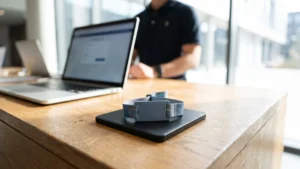
Radio Frequency Identification (RFID) technology uses microchips and antennas embedded inside the event wristband to communicate via radio waves. When guests walk through designated access zones, fixed readers emit signals that power the passive tags and capture unique identification data without requiring a direct line of sight. This automated data capture instantly forwards timestamps and access status to a central event platform for real-time reporting. Note that RFID and Near Field Communication (NFC) are not interchangeable technologies, as NFC operates at a high frequency requiring close intentional taps, while ultra-high-frequency RFID can read tags from several meters away. Because the human body can absorb radio frequency energy, proper reader placement is essential to maintain fast read speeds in dense crowds.
Operating zone checkpoints with your staff
Accurate capacity data relies entirely on the operational consistency of the people running your entry points. Providing your team with concrete steps ensures they check event wristbands and operate counting devices correctly at every checkpoint. Clear instructions transform a complex crowd management plan into manageable daily tasks for your frontline staff.
- Verify the wristband: Instruct staff to physically inspect the event wristband before allowing the guest to proceed. They should look for the correct zone colour, specific printed text, and a secure closure. This initial visual check ensures that only guests with the right permissions enter the tracking process.
- Record the entry: Require the staff member to process the guest immediately as they cross the checkpoint threshold. They must click their manual counter or scan the printed identifier on the wristband without delay. Capturing this data at the exact moment of entry prevents missed counts during busy surges.
- Process the exit: Assign dedicated personnel to track guests leaving the area so your live capacity math remains perfectly balanced. Staff must scan outgoing wristbands or tally exiting guests just as strictly as they monitor arrivals. Capturing accurate exit data is the only way to know how much space has opened up inside the zone.
- Monitor the threshold: Teach your team how to actively read their digital scanning app or manual tally total throughout their shift. They need to understand exactly how close the current guest count is to the maximum safe capacity. Constant awareness allows checkpoint staff to prepare for crowd control actions before the space becomes overwhelmed.
- Pause admission: Establish a clear and immediate protocol for staff to temporarily stop entry when the zone hits its defined limit. They must communicate with venue management and politely ask waiting guests to hold their position. This disciplined pause keeps the interior space safe while giving exiting guests time to clear the area.
Reviewing live capacity data to make safe decisions
Monitoring the gathered data from your scanners or clickers in real time transforms numbers into actionable crowd management. Event organizers can use central dashboards or regular radio updates to track exactly how fast a specific zone is filling up. When you watch these trends unfold, you can anticipate bottlenecks and deploy additional staff to areas that are quickly approaching their limits. This centralized view of your event wristband data helps you stay ahead of potential safety hazards.
When a zone does reach its capacity limit, your team must respond confidently and decisively to manage the overflow. You can temporarily redirect guests to secondary entertainment areas, food courts, or spacious outdoor zones while they wait. Communicating these temporary closures clearly to attendees prevents frustration and keeps the crowd moving safely. Trusting your live monitoring data ensures that every crowd control decision you make is rooted in objective facts rather than guesswork.
Maintaining safe events with reliable monitoring
Tracking capacity effectively requires a thoughtful combination of well-designed event wristbands and reliable counting methods. By defining clear access zones and training staff to operate checkpoints systematically, you capture the live data necessary for a secure environment. Taking these practical steps gives you the confidence to manage crowd flow dynamically and respond to capacity limits before they become safety risks. Your commitment to accurate monitoring ultimately protects your guests and ensures your event runs smoothly from the first admission to the final exit.
How should I define zones and gates for live counts?
Start by mapping clear zones with safe capacities. Give each zone one or more controlled entries and a distinct exit. Label every gate and assign a unique scanner for in and out. Print zone permissions on the event wristband. This keeps counts consistent and movements auditable.
Which counting method gives the most reliable real-time capacity?
Quick Response code QR code scanning on event wristbands with smartphones synchronizes entries across gates within seconds. Radio Frequency Identification RFID enables hands-free reads at fixed points. Manual clickers often deliver only 70 to 90 percent accuracy, so use them as a fallback, not your primary live count.
How do we maintain accurate live occupancy across multiple doors?
Pair an entry scanner and an exit scanner at every door, both writing to one system. Use anti-passback rules, which stop the same wristband being counted twice without an exit scan. Occupancy updates as previous plus ins minus outs. Enable offline queuing so devices resync after outages.
How should we present live numbers to staff?
Show a simple dashboard per zone with capacity, current count, and a clear status. Add thresholds that change color at 80, 90, and 100 percent. Put screens at gates and in control. Pair visuals with radio calls and a stop and hold instruction.
How should we place RFID readers in busy entrances?
Create clear lanes and a defined read zone, then choose High Frequency HF for short tap reads or Ultra High Frequency UHF for 1 to 6 meter capture. Keep antennas away from metal and crossflow. Test polarization. Tune power and anti-collision, then rehearse at peak volume.