Creating a single identifier for your event guests
Operating an event often involves juggling digital tickets on mobile applications and physical passes at restricted areas. When you connect a physical event wristband directly to a digital ticket, you create a unified system where guests only need one identifier for the entire day. This setup speeds up access checks at entrances because staff can quickly scan a wristband rather than waiting for guests to load screens on their phones. A single identifier also helps your team manage crowd flow and reduce bottlenecks at busy checkpoints.
Approaches to connecting wristbands and digital tickets
Event organisers can choose from several technologies to link a physical wristband to a digital profile. You must distinguish the physical wristband material from the technology attached to it, as the identifier dictates what reading hardware your team will need. Understanding these options helps your procurement team select the right system for your specific venue infrastructure.
Using barcodes and Quick Response codes
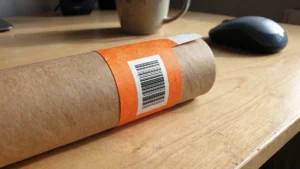
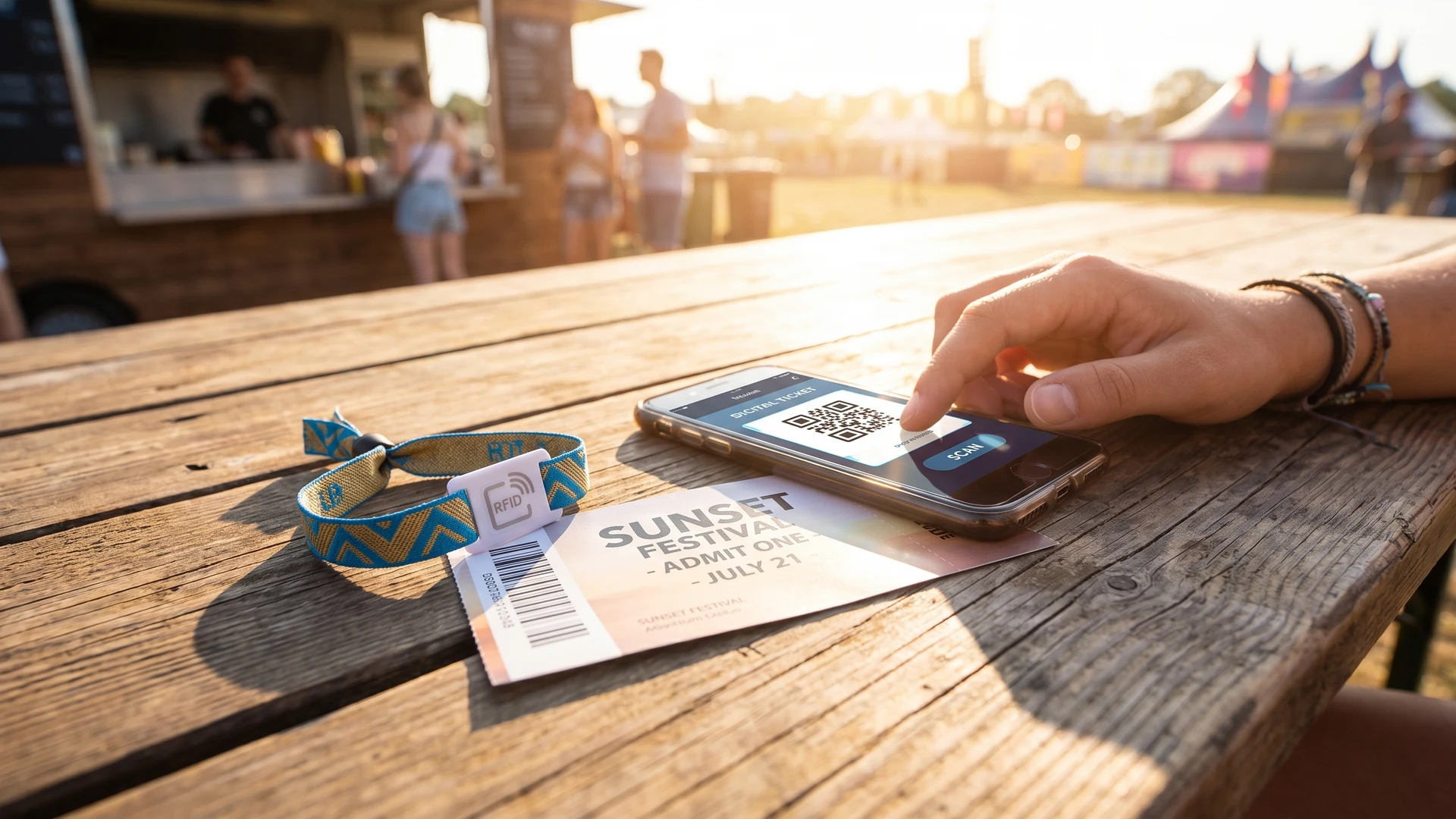
Printing barcodes or Quick Response (QR) codes on event wristbands provides a straightforward way to encode a unique serial identifier or web link. When a member of staff points a mobile device camera or scanner at the wristband, the software extracts the embedded link and opens the guest’s profile in a native event management application. This visual scanning relies heavily on clear printing and good lighting rather than complex hardware.
Integrating Radio Frequency Identification chips
Radio Frequency Identification (RFID) technology uses radio waves to wirelessly transmit a unique identification code from the wristband to a scanner. The wristband contains a passive microchip and an antenna that harvests energy from the reader’s radio frequency signal to wake up and transmit its data. Because RFID chips transmit back to the reader in milliseconds, they enable extremely fast access control across large event spaces.
Applying Near Field Communication for direct app pairing
Near Field Communication (NFC) operates similarly but requires the guest identifier to be within a few centimetres of the scanning device. This short read range makes NFC wristbands highly suitable for direct pairing with smartphones and interactive event applications. You should note that NFC and RFID are distinct technologies, and an NFC system requires specific close-range readers rather than the long-range antennas sometimes used with standard RFID setups.
Scanning one time codes for quick access validation
One-time use QR codes or barcodes printed on event wristbands link directly to digital ticket records in a central, real-time database. When a guest arrives at a restricted zone, staff use simple handheld scanning devices connected via secure wireless internet to read the unique identifier. The cloud server instantly checks the ticket status and updates the database to prevent duplicate entries, sending a clear visual or audio cue back to the scanner. This instant verification stops ticket duplication the exact millisecond the code is first scanned.
For this visual scanning process to work reliably, your wristbands require high-contrast printing to ensure the optical sensors can easily decode the information. Organisers often print sharp black ink on a white background because warm colours can reflect the red scanner light and degrade readability. Furthermore, visual scanning should always pair with secure closures on durable materials, such as Tyvek or vinyl, because digital validation alone cannot prevent guests from physically passing a loose wristband to someone else.
Pairing mobile apps with smart wristband chips
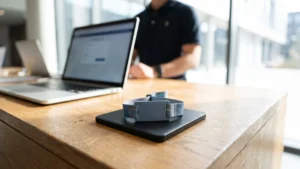
Linking a guest’s mobile event application to a smart wristband chip synchronises their live data for access rights and cashless payments. During box office activation, a staff member scans the digital ticket to pull up the purchase credentials and then taps the new NFC wristband against a terminal. This action binds the unique chip identifier directly to the guest’s specific database profile. From that point onward, the physical chip stores only this unique identifier, while the cloud database holds the active access permissions and prepaid balances.
Managing live access rights through a paired digital system gives you immediate control over your event spaces. If an organiser upgrades a guest to a premium tier or deactivates a lost wristband, the central database updates instantly and applies the new status the next time the guest taps a reader. However, you must remember that technology alone does not completely prevent unauthorised access. A secure system requires proper staff training, robust data processes, and clear visual checks of the physical event wristband to ensure it remains securely attached to the correct guest.
Steps to implement a connected identifier system
Deploying a linked wristband and application system at your venue requires careful planning and a concrete sequence of actions. You must coordinate your digital software setup with the physical distribution of the event wristbands. Following a clear roadmap helps your access-control teams prepare effectively for event day.
- Mapping the hardware requirements: Determine exactly where you need scanners, network connections, and power supplies across the venue. Your team must confirm whether the checkpoints will use mobile phone cameras for QR codes or dedicated hardware for smart chips. This early decision dictates your infrastructure needs and informs your software integration.
- Configuring the central database: Set up the cloud-based event management software to handle real-time ticket validation and access permissions. You need to ensure the system can instantly map a unique wristband identifier to a specific guest profile. Testing the network connection and the offline fallback capabilities prevents costly delays if the internet drops.
- Training your operational staff: Instruct your team on how to correctly scan identifiers, interpret the software responses, and visually check the wristband closures. Staff must understand the specific procedures for dealing with invalid scans, damaged wristbands, or digital pairing errors. A well-trained team is essential because even the best technology requires human oversight to function securely.
Managing real time access rights across your venue
A unified system where physical event wristbands connect to a central digital platform allows you to adjust access permissions dynamically throughout your venue. If a guest upgrades their ticket or security requirements change, your team can update the event software instantly without needing to issue a new physical identifier. This flexibility reassures organisers that they can respond to live operational needs while maintaining reliable staff procedures. Providing objective information on these integrated setups is a core part of the educational resources at Event Wristband Info, helping you build a secure and manageable access system.
How do I link a mobile ticket to a Near Field Communication (NFC) wristband?
Link a mobile ticket to an NFC wristband by scanning the digital ticket, reading the wristband chip ID, and binding both records in your access system. Staff do this at a box office or registration point using an NFC reader. After activation, guests tap to enter.
Do access permissions live on the wristband, the phone, or the cloud?
Permissions usually live in the cloud database, not on the event wristband or phone. The chip carries only a unique identifier that points to a guest profile. Upgrades, revocations, and zone changes apply immediately on the next scan. Offline caches keep service running until sync resumes.
How do one-time codes on wristbands prevent ticket sharing?
One-time codes stop sharing by deactivating the code the instant it is first scanned in the central system. Any later scan is flagged as already used and denied. Pair codes with tamper evident closures and clear printing to reduce pass backs and casual copying.
What happens if scanners lose internet during entry?
If internet drops, handheld scanners validate against a locally cached list and store results on the device. They continue scanning and show pass or fail to staff. When connectivity returns, the device syncs new scans to the cloud and restores real time checks.
How close does a Near Field Communication wristband need to be for a reliable tap?
Most NFC wristbands read at a few centimeters. Range depends on antenna size, reader output, chip complexity, alignment, and nearby metal. For reliable taps, mark the sweet spot on readers, keep phones or metal away, and ask guests to hold steady.